

Are you using Google Stadia for playing gamer? Are you using a C-type cable to charge it? Well if the answers are yes there here is a piece of good news for you. Now you can play games with Google Stadia Wireless Controller. Google is coming up with wireless functionality for its controller. Google said, “After months of waiting we are rolling out a feature that is wireless functionality for our Google Stadia Users”.
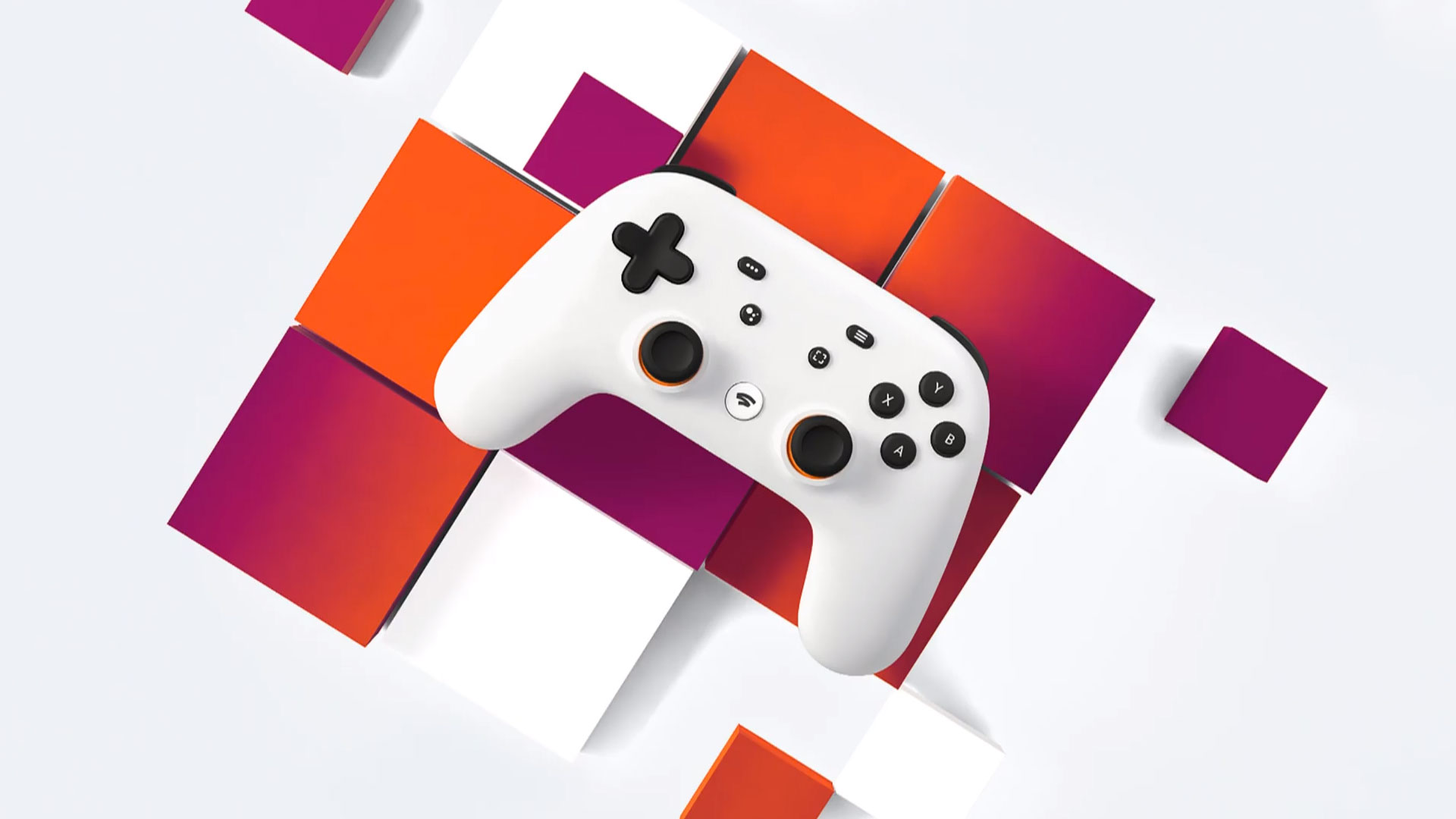
Google launched Stadia in November with a wireless feature only for Chromecast Ultra devices. And from then till the last night, a c-tyle cable was required to use Google Stadia on PC.
Worth Reading: Disgaea 6 Release Date
Google Stadia Wireless Controller to PC & Laptop
After the latest rollout for Stadia by Google now connect your Google Stadia controller to your laptop wirelessly. Follow the following steps and you will connect your controller without any problem.
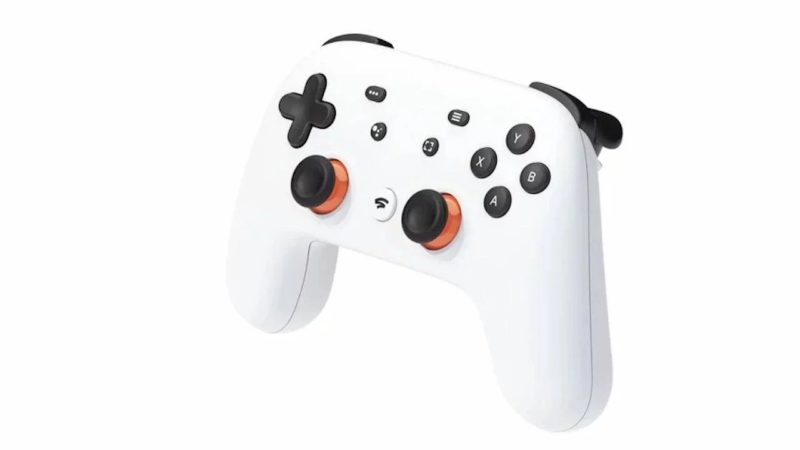
5 Simple Steps: Get a Google Stadia Wireless Controller
- Open web URL stadia.google.com.
- Search the controller icon in the top right corner and then click on it. Click on the controller icon in the top right corner.
- Hold down the Stadia button on your Stadia Controller until it rumbles.
- In the Stadia browser app, enter code.
- You’re all set! Now use Google Stadia Wireless Controller.
This is all for the news on Google Stadia Wireless Controller, enjoy and do share your comments with us.



Leave a Reply