

How To Use Flight Simulator: A flight simulator is a device or system consisting of various hardware and software that gives an experience to a human being of how it felt to be in an airplane’s cockpit. The actual simulator contains each and every button and screen, that is in a real plane.
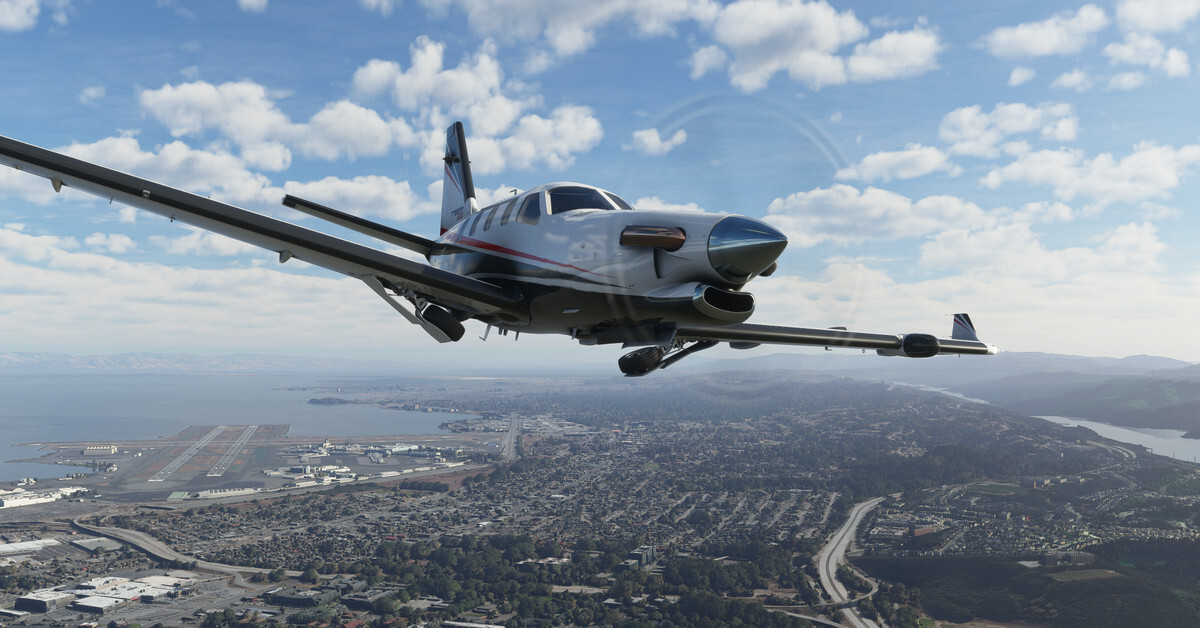
Although there are different simulators these days like a gaming simulator where gamers can play and see how it feels to be an actual pilot. A flight simulator can be an actual simulator that contains various hardware equipment or it can be computer software that comprises everything in it and doesn’t need an excessive effort from an individual. Now let’s see How To Use Flight Simulator so that you can use it properly.
Checkout: Star Citizen Roadmap, Wiki & Updates
How to Use Flight Simulator
A flight simulator can be used after compiling all the required hardware for the simulator. However, it is not easy to assemble a flight simulator by a single individual on his own.
Recommended: Warframe Argon Crystal Farming Guide
The help of professional or bookish knowledge is required for a person to set it up. As it is said that if you want to use a flight simulator basic ground knowledge about the simulator is required.
However, eventually if you do have the basic ground knowledge about the actual simulator then it is not that hard for an individual to set up the flight simulator. Apart from this Rockstargames is also going to launch its new game and everyone is waiting for GTA 6 Release Date. That company is going to add flight simulation mode as per the rumors.
Minimum System Requirements
Every software comes up with minimum system requirements so that it can perform well in any system. For starters the hardware that can be used is,
- CPU– 3 GHz i3 (dual-core) for FSX and P3D and a 3GHz i5 (quad-core) for X plane
- CONTROL– a mouse is not sufficient enough, you have to use a Joystick, a mouse, and a keyboard
- HARD DRIVE– 500 GB
- MONITOR– 21 inches
- GRAPHICS CARD– NVidia GeForce 1060
- RAM– 4 GB for FSX and P3D and 8 GB for X-plane and P3D-4
- MOTHERBOARD- A good motherboard that will allow overclocking
- HARDWARE– case, 500W PSU
Also Read: PlayStation 5 Worldwide Release
How to Install Flight Simulator
The simplest way to Install a flight simulator is that if it is a hardware combined flight simulator then it can be installed with the help of a user manual or with the help of the internet as different flight simulators require different ways to set up.
But if it is a simulator that is installed on a PC with the help of software, then excessive efforts are not required as the software itself contains the user guide for the working of the flight simulator. There’s one more piece of news MMORPG Games for Low Specification PC.
Hardware
- CPU – For FSX and P3D-3: Intel i5 7600k (quad-core) or AMD Ryzen3 1300x (quad-core).
- HARDWARE – case, 850W PSU, and water cooling if overclocking
- CONTROL – the mouse is insufficient, a joystick, a mouse, and a keyboard is required
- HARD DRIVE – 1 TB 7200 RPM and a 1 TB SSD
- MONITOR – 27 inches
- GRAPHICS CARD – Nvidia 1070/1080 alternatively AMD RX470 or RX480
- RAM – For FSX and P3D – 8GB. For X-Plane 10 and 11, P3D-4 and FSW – 16 GB
- MOTHERBOARD – A good motherboard that will allow overclocking
5 Flight Simulator for MAC OS
After How To Use Flight Simulator here are the Top 5 Flight Simulators for MAC OS. The simulators which are given below are all based on their performance, and reviews from gamers and experts. If you know better simulators from this, will be happy to hear from you.
| 5 Flight Simulator for MAC OS |
|---|
| X-PLANE 10 |
| X-PLANE 11 |
| Aerofly FS |
| Flight Gear |
| Prepar3D |
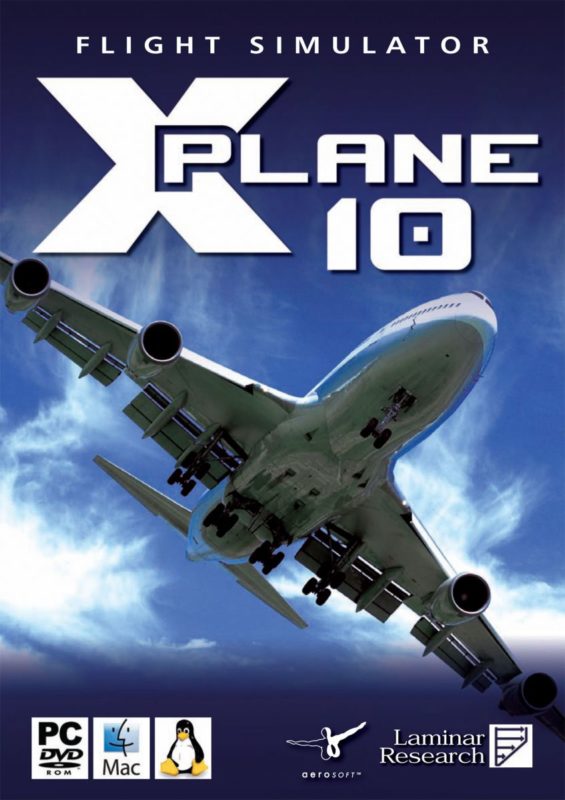
X-PLANE 10
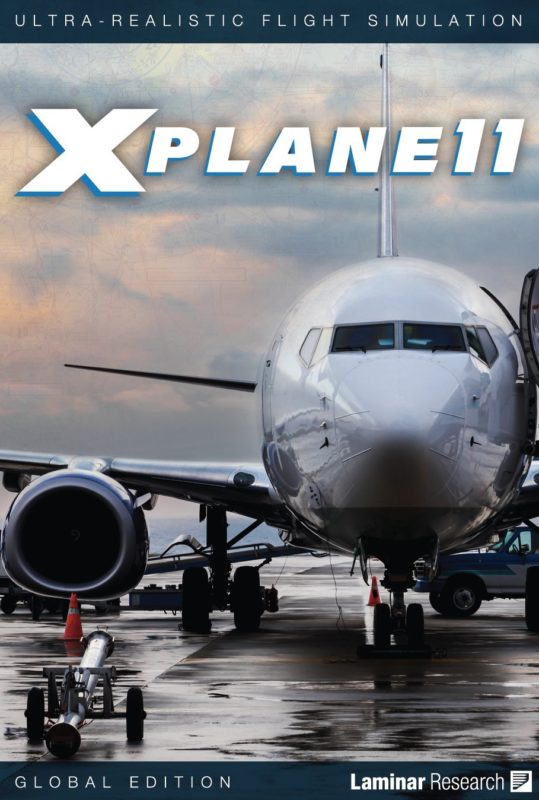
This comes up with performance is really well and can be used with a license only which you can buy using online portals. Laminar Research produced this game and their latest version was released on November 29th, 2019 as X-Plane 11.
X-PLANE 11
It’s the latest among many simulation software from Laminar Research. Performance-wise many people started loving it. As per the reviews, it’s the worth it simulator ever.
Aerofly FS
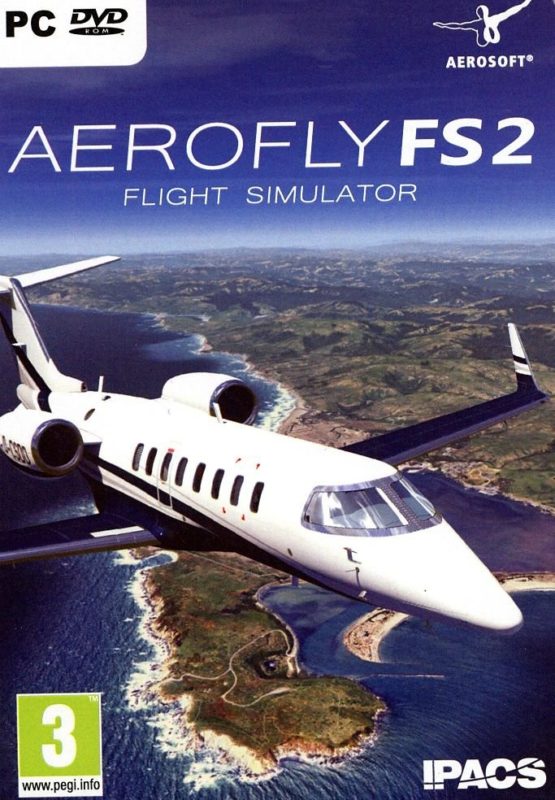
It’s advanced software with realistic scenery. People love it just because of the realistic effect in the game. Before buying check out the system requirements. Aerosoft GmbH and IPACS produced this and launched it on 14 November 2014.
Flight Gear
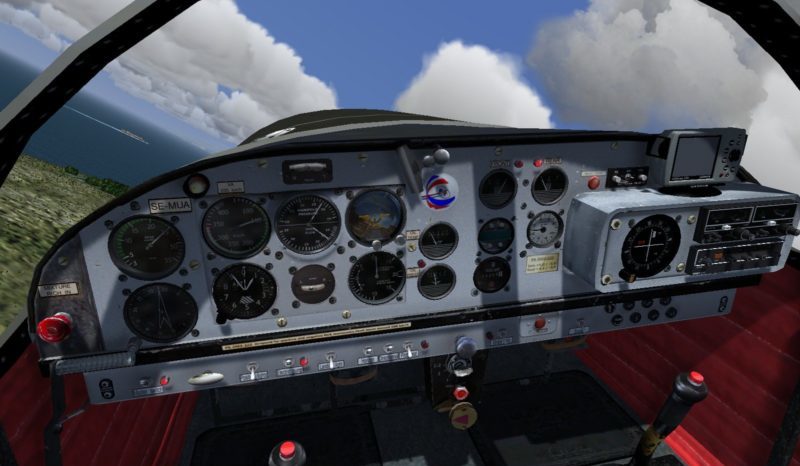
It’s a free open source and produced by FlightGear and launched in the year 1997. Yes, it’s available for the latest MAC OS as per the official announcements.
Prepar3D
It’s one of the best simulation software for training scenarios across aviation, maritime, and ground domains. Prepar3D is a free flight simulator and is best for one who wants to improve their skills.
So this is all about How To Use Flight Simulators. Hoping you learn a lot from this. If you have any suggestions or queries you can comment down below. Also, do share this article with your friends over social media platforms, and don’t forget to subscribe to our newsletter for more gaming updates.




Leave a Reply