

Today’s article, we will discuss the UFC 4 Controls Guide in 2026 for the PS4, PS5, Xbox One, and Xbox Series X. Continue reading to learn more.
The reason why people adore UFC 4 is that it provides a very realistic and immersive experience that enables users to enter the octagon and live out their most extreme fighting fantasies.
There is a sizable list of past and present UFC fighters in the game, all of whom have distinctive fighting philosophies and hallmark techniques. The excellent graphics produce a vivid fighting experience, and the realistic sounds and soundtrack complement the animations.
About UFC 4
The fourth game in the well-known Ultimate Fighting Championship (UFC) video game series was created by EA Sports and is titled UFC 4. The game was made available for the Xbox One and the PlayStation 4 on November 14, 2020.
Players can design their custom fighters and compete in a number of game types, like tournaments and knockout games, and also has a roster of well-known UFC fighters, including lightweight champion, Khabib Nurmagomedov.
Related: UFC 5 Release Date, News, Trailer, Rumors [2026]
The game has a new “stand and bang” mechanism that rewards players for standing and striking rather than going to the ground, and an updated grapple system.
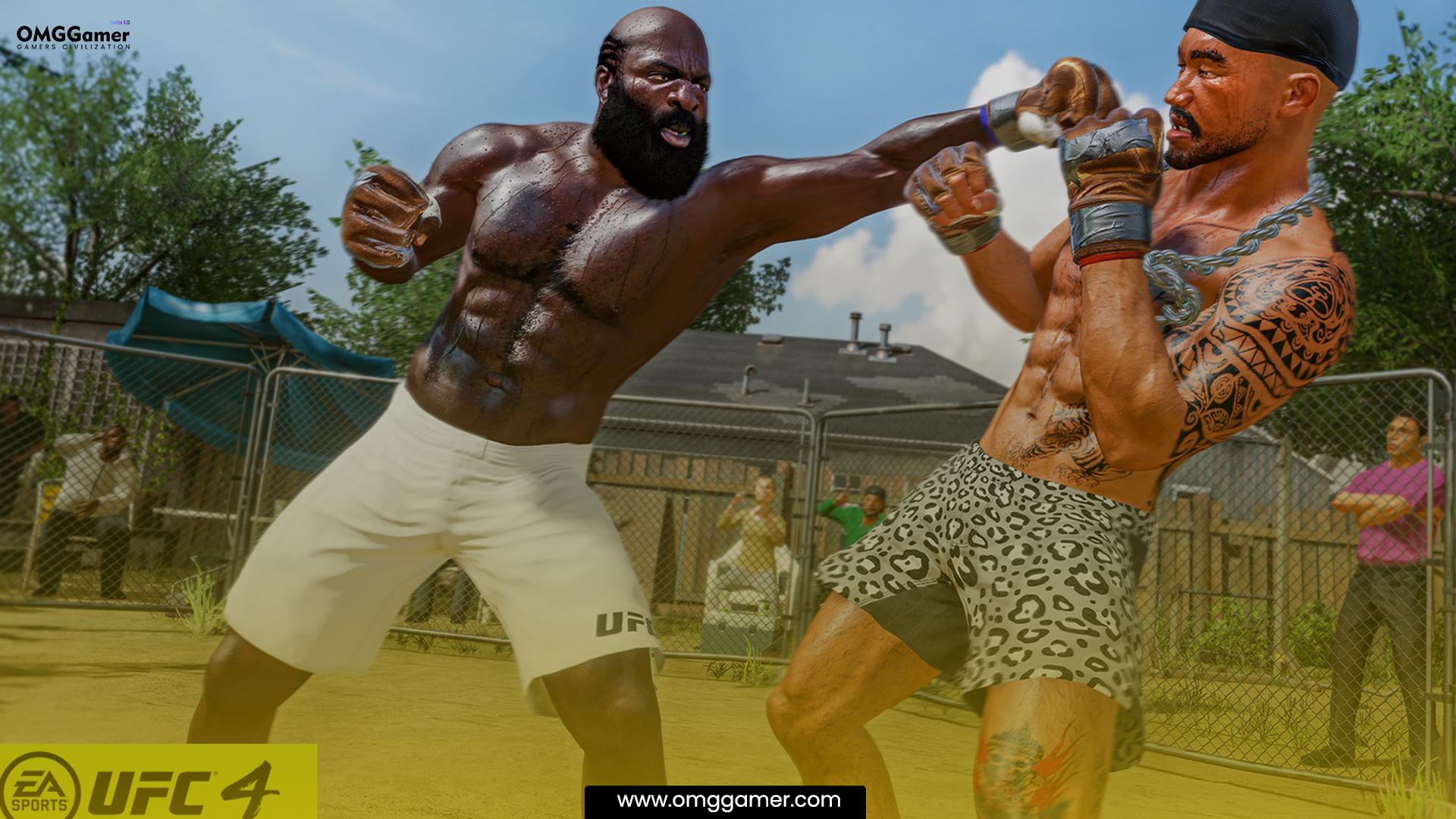
UFC 4 Controls Guide in 2026 [PS4, PS5, Xbox Series X, Xbox One]
The mixed martial arts game, EA Sports UFC 4, offers a realistic experience for players with its advanced striking controls. Players can execute precise strikes and blocks and control fighter movement in the Octagon to outmaneuver their opponents. It is available on the Xbox One, Xbox Series X, PS4, and PS5, and each platform has its own unique controls.
Also Read: 5 Steps to Find Steam Purchase History in 2026 [Guide]
Understanding and mastering these UFC 4 controls is crucial for performing combos, counterstrikes, and defending against attacks. The controls can be customized in the options menu, but starting with the default settings is recommended to get a feel for the gameplay mechanics before making changes.
These fighting combos include a lead body knee, a lead body spin, a body spin side kick, a back body jump spin, a lead body crane, a leg kick circle, and other moves.
UFC 4 Stand-up Movement Controls
The UFC 4 controls, particularly advanced striking controls allow players to perform complex strikes with footwork like a lead leg kick or lead leg knee, and head movement like a lead head spin.
Triggers allow players to perform checks or footwork, while the right stick is used for head movement and the right and left bumpers for blocking and feinting, respectively. Here is a table discussing the Best UFC 4 controls for stand-up movement, taunts, and switch stances:
| UFC 4 Stand-up Movement Controls | PS4 / PS5 Controls | Xbox One / Series X Controls |
|---|---|---|
| Fighter Movement | L | L |
| Head Movement | R | R |
| Taunts | D-pad | D-pad |
| Switch Stance | R3 | R3 |
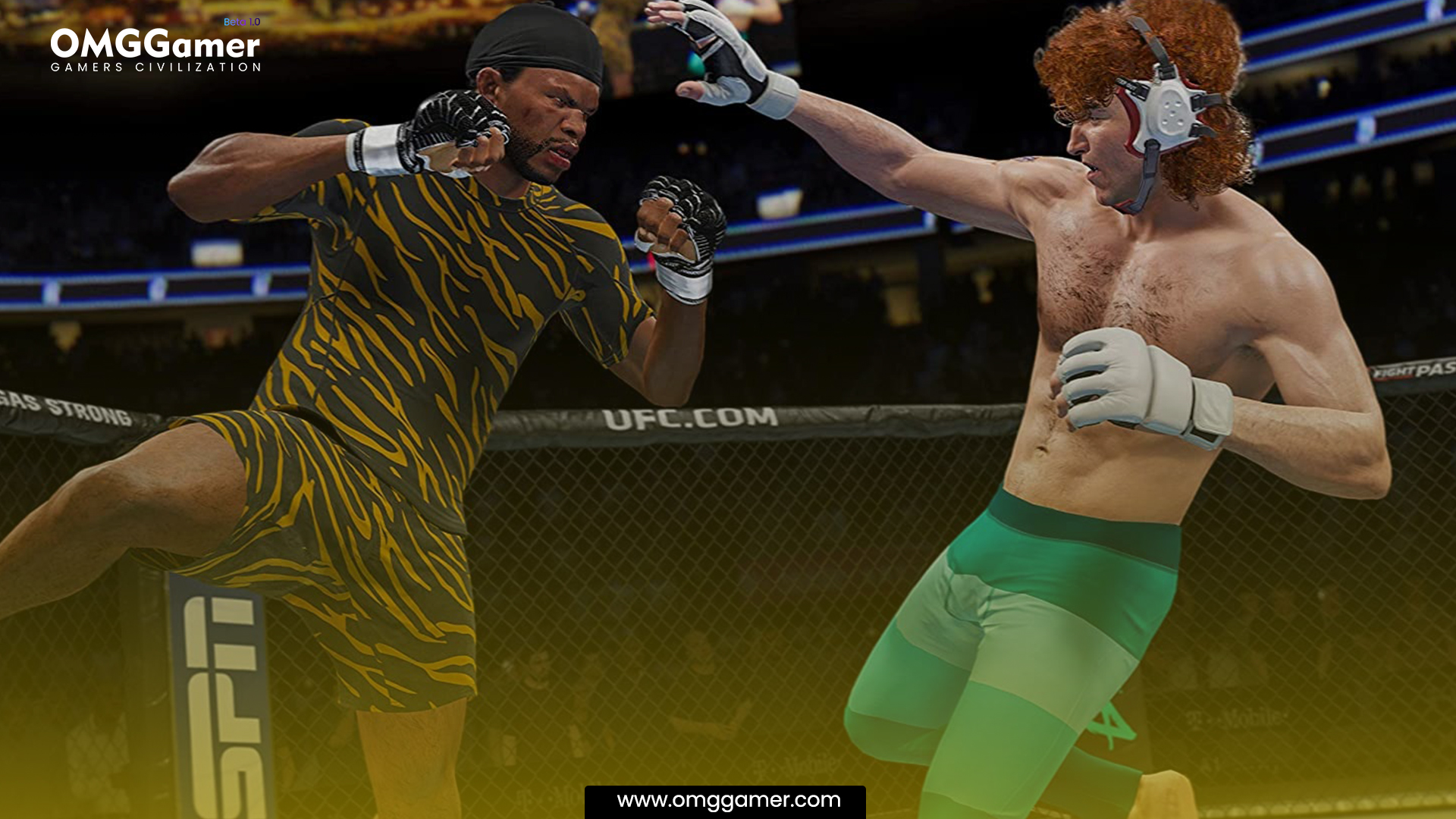
UFC 4 Striking Attack and Defense Controls
For players to participate successfully in the Octagon, striking assault and defensive UFC 4 controls are essential. The X button, Y button, A button used for protection against attacks, and B button for head movements are the Xbox One’s standard controls.
On the PlayStation 4, the Square, Triangle, Cross, and Circle buttons are used for light strikes, strong strikes, defense, and head movements, respectively. Here is the that discusses the best striking attack and defense UFC 4 controls:
| UFC 4 Striking Attack and Defense Controls | PS4 / PS5 Controls | Xbox One / Series X Controls |
|---|---|---|
| Lead Jab | Square | X |
| Back Cross | Triangle | Y |
| Lead Hook | L1 + Square | LB + X |
| Back Hook | L1 + Triangle | LB + Y |
| Lead Uppercut | Square + X | X + A |
| Back Uppercut | Triangle + O | Y + B |
| Lead Leg Kick | X | A |
| Back Leg Kick | Circle | B |
| Lead Body Kick | L2 + X | LT + A |
| Back Body Kick | L2 + O | LT + B |
| Lead Head Kick | L1 + X | LB + A |
| Back Head Kick | L1 + O | LB + B |
| Body Strike Modifier | L2 | LT |
| Strike Modifier | L1 / R1 / L1 + R1 | LB / RB / LB + RB |
| Lead Overhand | R1 + Square (hold) | RB + X (hold) |
| Back Overhand | R1 + Triangle (hold) | RB + Y (hold) |
| High Block/Feint Strike | R2 | RT |
| Low Block | L2 + R2 | LT + RT |
| Leg Catch | L2 + R2 (timed) | L2 + R2 (timed) |
| Minor Lunge | L (flick) | L (flick) |
| Major Lunge | L1 + L | LT + L |
| Pivot Lunge | L1 + R | LT + R |
| Signature Evade | L1 + L (flick) | LT + L (flick) |
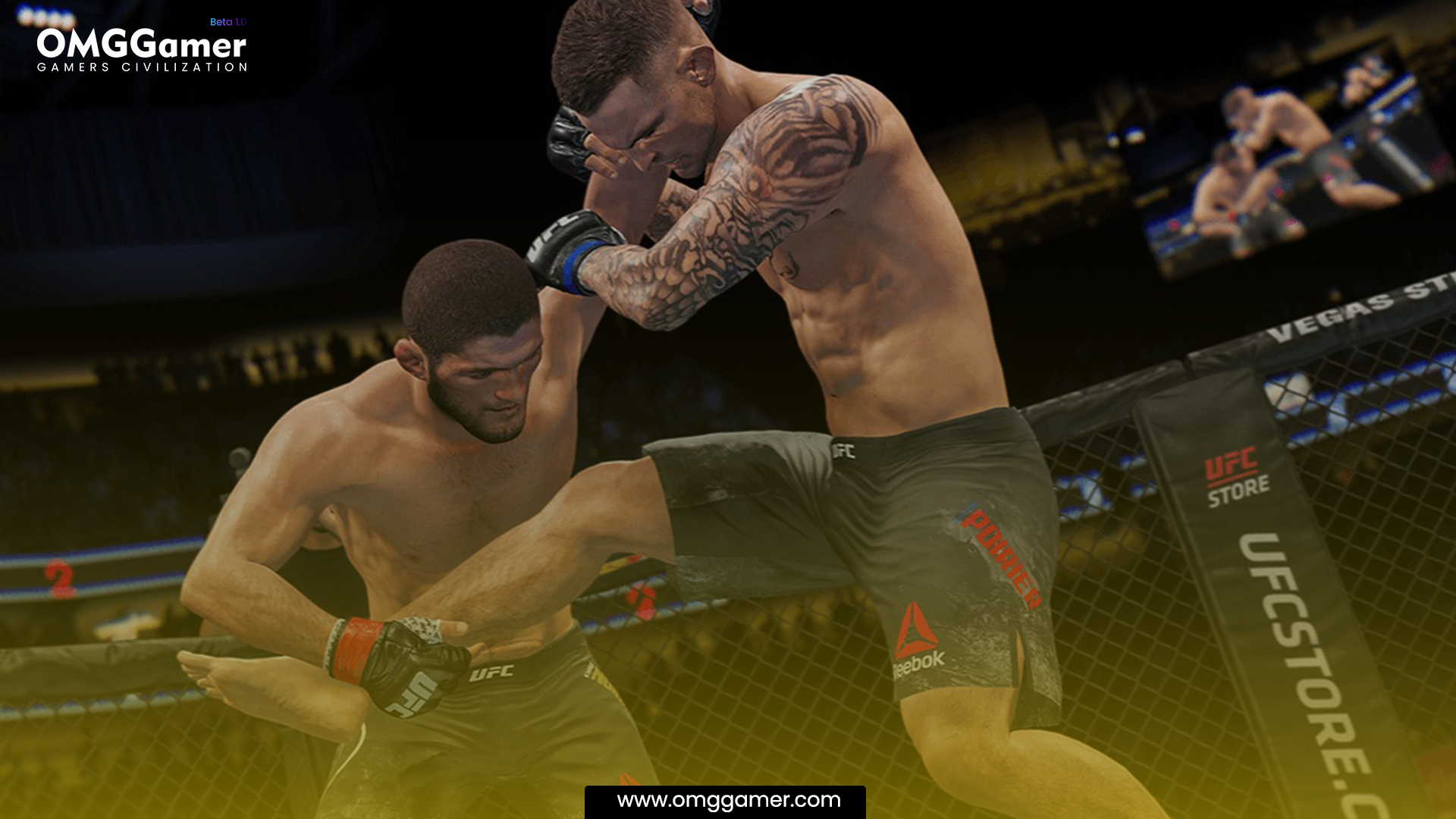
UFC 4 Advanced Striking Controls
Advanced striking in UFC 4 controls enable players to execute intricate strikes, footwork, and head movements in the Octagon. Players can conduct a “check,” or “footwork” like lead jab square and using the triggers; the right stick controls head movement, and the right and left bumpers are used to block and feint. Follow the table given below to understand Advanced striking UFC 4 controls:
| UFC 4 Advanced Striking Controls | PS4 / PS5 Controls | Xbox One / Series X Controls |
|---|---|---|
| Lead Question Mark Kick | L1 + X (hold) | LB + A (hold) |
| Back Question Mark Kick | L1 + O (hold) | LB + B (hold) |
| Lead Body Front Kick | L2 + R1 + X (tap) | LT + RB + A (tap) |
| Back Body Front Kick | L2 + R1 + O (tap) | LT + RB + B (tap) |
| Lead Spinning Heel Kick | L1 + R1 + Square (hold) | LB + RB + X (hold) |
| Back Spinning Heel Kick | L1 + R1 + Triangle (hold) | LB + RB + Y (hold) |
| Back Body Jump Spin Kick | L2 + X (hold) | LT + Square (hold) |
| Lead Body Switch Kick | L2 + O (hold) | LT + B (hold) |
| Lead Front Kick | R1 + X (tap) | RB + A (tap) |
| Back Front Kick | R1 + O (tap) | RB + B (tap) |
| Lead Leg Side Kick | L2 + R1 + Square (tap) | LT + RB + X (tap) |
| Back Leg Oblique Kick | L2 + R1 + Triangle (tap) | LT + RB + Y (tap) |
| Lead Body Spin Side Kick | L2 + L1 + X (hold) | LT + LB + A (hold) |
| Back Body Spin Side Kick | L2 + L1 + O (hold) | LT + LB + B (hold) |
| Lead Body Side Kick | L2 + L1 + X (tap) | LT + LB + A (tap) |
| Back Body Side Kick | L2 + L1 + O (tap) | LT + LB + B (tap) |
| Lead Head Side Kick | R1 + Square + X (tap) | RB + X + A (tap) |
| Back Head Side Kick | R1 + Triangle + O (tap) | RB + Y + B (tap) |
| Two-Touch Spinning Side Kick | L2 + R1 + Square (hold) | LT + RB + X (hold) |
| Lead Jumping Switch Kick | R1 + O (hold) | RB + B (hold) |
| Back Jumping Switch Kick | R1 + X (hold) | RB + A (hold) |
| Back Head Spin Side Kick | L1 + R1 + X (hold) | LB + RB + A (hold) |
| Lead Head Spin Side Kick | L1 + R1 + O (hold) | LB + RB + B (hold) |
| Lead Crane Kick | R1 + O (hold) | RB + B (hold) |
| Back Crane Kick | R1 + X (hold) | RB + A (hold) |
| Lead Body Crane Kick | L2 + R1 + X (hold) | LT + RB + A (hold) |
| Back Body Crane Kick | L2 + R1 + O (hold) | LT + RB + B (hold) |
| Lead Hook | L1 + R1 + X (tap) | LB + RB + A (tap) |
| Back Hook | L1 + R1 + O (tap) | LB + RB + B (tap) |
| Lead Elbow | R2 + Square (tap) | RT + X (tap) |
| Back Elbow | R2 + Triangle (tap) | RT + Y (tap) |
| Lead Spinning Elbow | R2 + Square (hold) | RT + X (hold) |
| Back Spinning Elbow | R2 + Triangle (hold) | RT + Y (hold) |
| Lead Superman Jab | L1 + Square + X (tap) | LB + X + A (tap) |
| Back Superman Punch | L1 + Triangle + O (tap) | LB + Y + B (tap) |
| Lead Tornado Kick | R1 + Square + X (hold) | RB + X + A (hold) |
| Back Cartwheel Kick | R1 + Triangle + O (hold) | RB + Y + B (hold) |
| Lead Axe Kick | L1 + R1 + X (tap) | LB + RB + A (tap) |
| Back Axe Kick | L1 + R1 + O (tap) | LB + RB + B (tap) |
| Lead Spinning Backfist | L1 + R1 + Square (tap) | LB + RB + X (tap) |
| Back Spinning Backfist | L1 + R1 + Triangle (tap) | LB + RB + Y (tap) |
| Ducking Roundhouse | R1 + Triangle + O (tap) | RB + Y + B (tap) |
| Lead Jumping Roundhouse | L1 + Square + X (hold) | LB + X + A (hold) |
| Back Jumping Roundhouse | L1 + Triangle + O (hold) | LB + Y + B (hold) |
| Body Handplant Roundhouse | L2 + R1 + Triangle (hold) | LT + RB + Y (hold) |
| Lead Knee | R2 + X (tap) | RT + A (tap) |
| Back Knee | R2 + O (tap) | RT + B (tap) |
| Lead Flying Switch Knee | R2 + X (hold) | RT + A (hold) |
| Lead Flying Knee | R2 + O (hold) | RT + B (hold) |
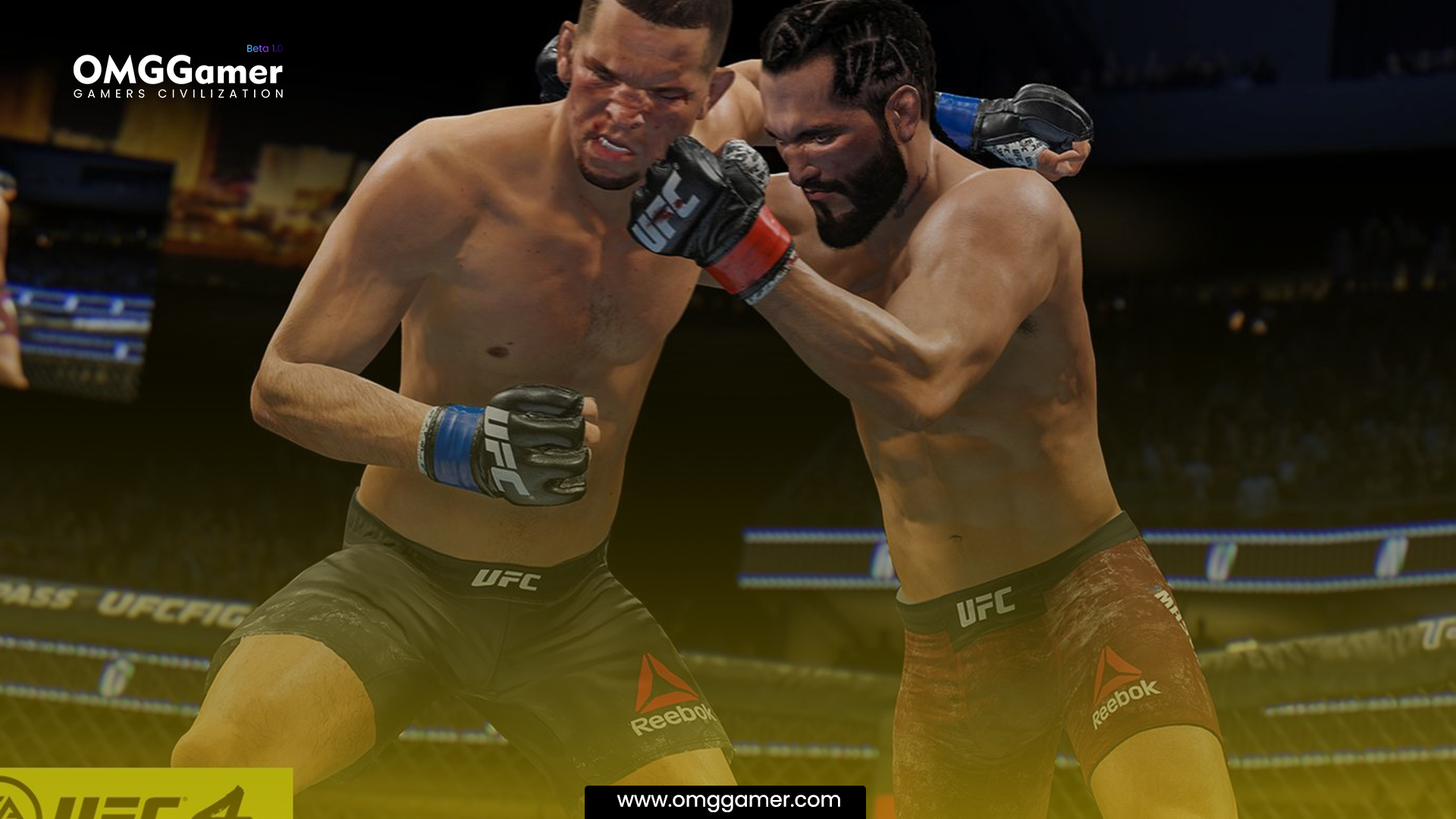
UFC 4 Grappling Takedown Controls
Players must master the grappling takedown in the UFC 4 game to successfully take opponents down and submit them inside the Octagon. The X button on the Xbox One is used to start a clinch, the A button is used to accomplish a takedown, and the B button is used in trying to make the opponent submit.
On the PlayStation 4, the Square, Cross, and Circle buttons are utilized for clinching, takedowns, flying switch knees, and submissions. Here is the table that discusses grappling takedown UFC 4 Controls:
Must Read: Agonarch Abyss Ascendant Challenge [Bay of Drowned Wishes Guide]
| UFC 4 Grappling Takedown Controls | PS4 / PS5 Controls | Xbox One / Series X Controls |
|---|---|---|
| Single Leg | L2 + Square | LT + X |
| Double Leg | L2 + Triangle | LT + Y |
| Power Single Leg Takedown | L2 + L1 + Square | LT + LB + X |
| Power Double Leg Takedown | L2 + L1 + Triangle | LT + LB + Y |
| Driving Takedowns | L (left, up, right) | L (left, up, right) |
| Defend Driving Takedowns | L (match opponent) | L (match opponent) |
| Single Collar Clinch | R1 + Square | RB + X |
| Defend Takedown | L2 + R2 | LT + RT |
| Defend Clinch | R (flick any direction) | R (flick any direction) |
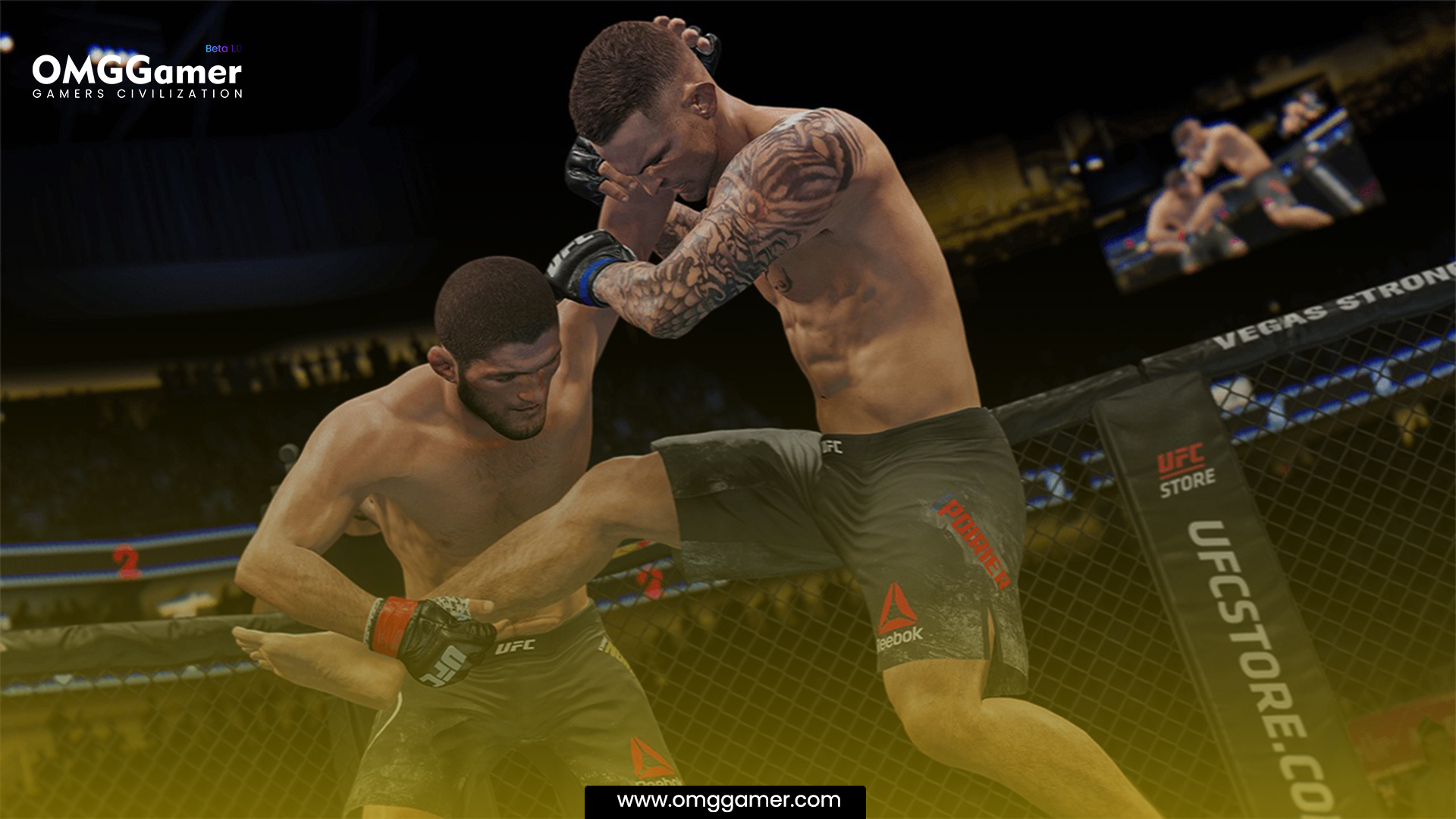
UFC 4 Ground Grappling Controls
Players need to be able to control the action when wrestling on the ground in the Octagon in UFC 4. The A button is used to pass guard, the B button to try submissions, and the X button to defend submissions while using the Xbox One’s default controls.
The PlayStation 4’s Cross, Circle, and Square buttons are used to pass guard, attempt submissions, and defend submissions, respectively. To understand the moves of Ground Grappling UFC 4 Controls follow the table given below:
| UFC 4 Ground Grappling Controls | PS4 / PS5 Controls | Xbox One / Series X Controls |
|---|---|---|
| Advanced Transition/GNP Modifier | L1 + R (any direction) | LB + R (any direction) |
| Grapple Stick | R | R |
| Get Up | L (flick upwards) | L (flick upwards) |
| Submission | L (flick left) | L (flick left) |
| Ground and Pound | L (flick right) | L (flick right) |
| Grapple Assist Alternate | L1 + R (up, left, right) | LB + R (up, left, right) |
| Defend Transitions, Sweeps, and Get Ups | R2 + R (up, left, or right) | RT + R (up, left, or right) |
| Reversals | R2 + R (any direction) | RT + R (any direction) |
| Transition | R | R |
| Advanced Positions | L1 + R | LB + R |
| Submission Attempts | L2 + R | LT + R |
| Head Movement | R (left and right) | R (left and right) |
| Post Defense | L1 + R (left and right) | LB + R (left and right) |
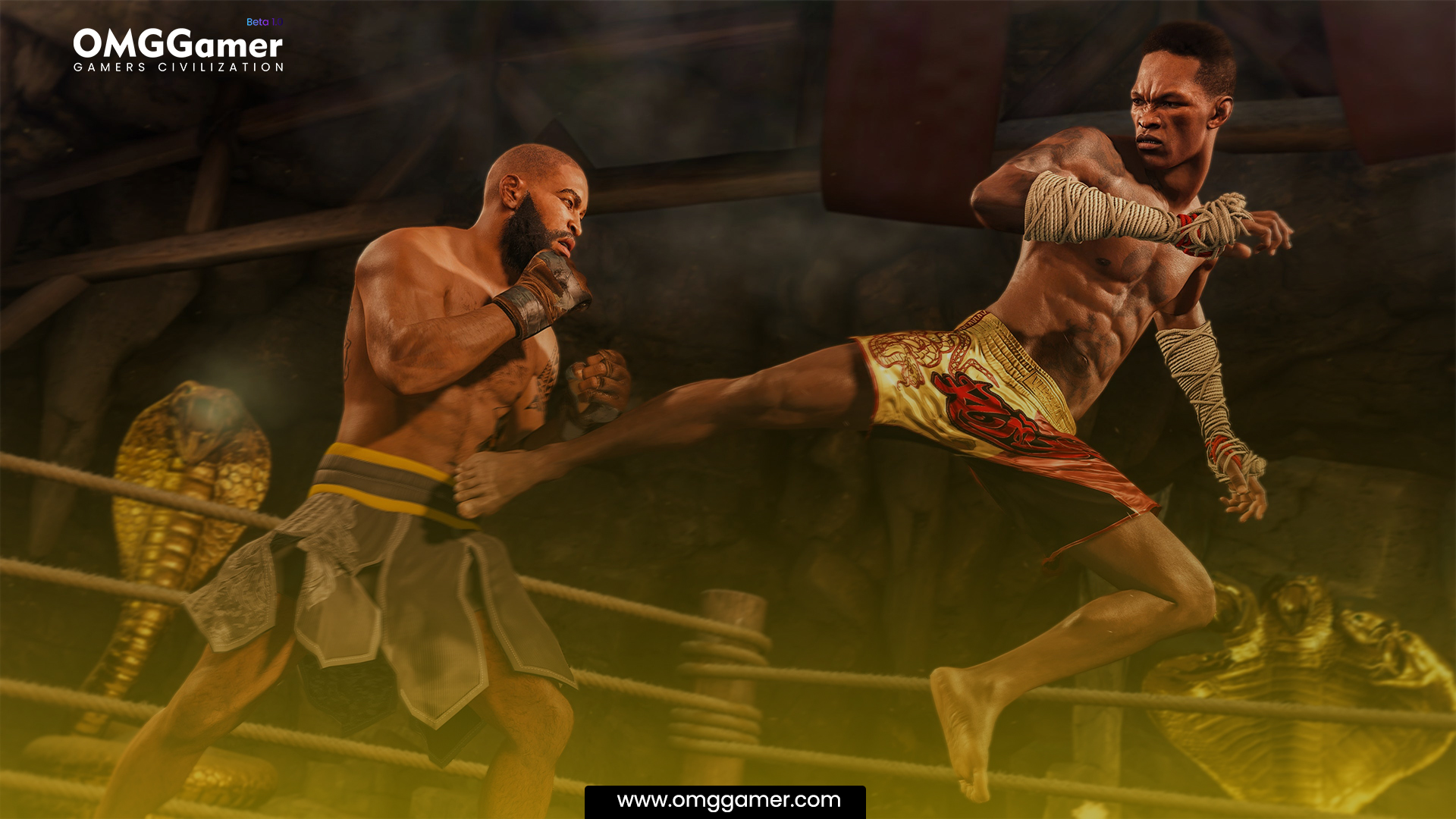
UFC 4 Ground and Pound Controls
Use the ground and pound in UFC 4 controls to execute strikes from a commanding ground position in the Octagon in UFC 4. The B button switches between several ground positions in Xbox One’s default controls, while the X button executes ground and pound strikes.
On the PlayStation 4, pressing the Square button initiates ground and pound attacks, and pressing the Circle button changes the ground position. The right stick can also adjust the strikes’ placement and direction.
Also Read: Cimmerian Garrison Ascendant Challenge | Chamber of Starlight Guide
| UFC 4 Ground and Pound Controls | PS4 / PS5 Controls | Xbox One / Series X Controls |
|---|---|---|
| Head Movement | R (left and right) | R (left and right) |
| High Block | R2 (tap) | RT (tap) |
| Low Block | L2 +R2 (tap) | LT + RT (tap) |
| Body Modifier | L2 (tap) | LT (tap) |
| Defense Post | L1 + R (left and right) | L1 + R (left and right) |
| Lead Body Knee | X (tap) | A (tap) |
| Back Body Knee | O (tap) | B (tap) |
| Lead Elbow | L1 + R1 + Square (tap) | LB + RB + X (tap) |
| Back Elbow | L1 + R1 + Triangle (tap) | LB + RB + Y (tap) |
| Lead Straight | Square (tap) | X (tap) |
| Back Straight | Triangle (tap) | Y (tap) |
| Lead Hook | L1 + Square (tap) | LB + X (tap) |
| Back Hook | L1 + Triangle (tap) | LB + Y (tap) |
UFC 4 Clinching Controls
Clinching controls are utilized in UFC 4 to direct the action during close-range grappling in the Octagon. The X button starts a clinch, and the A button starts a takedown with Xbox One’s default settings. On the PlayStation 4, a clinch is started with the Square button, and a takedown is executed using the Cross button.
| UFC 4 Clinching Controls | PS4 / PS5 Controls | Xbox One / Series X Controls |
|---|---|---|
| Takedown/Submission Modifier | L2 | LT |
| Advanced Transition Modifier | L1 | LB |
| Rotate, Push and Pull Opponent / Transitions on Cage | L | L |
| Grapple Stick | R | R |
| Lead Punch | Square | X |
| Back Punch | Triangle | Y |
| Lead Leg Knee | X | A |
| Back Leg Knee | O | B |
| Lead Body Knee | L2 + X (tap) | LT + A (tap) |
| Back Body Knee | L2 + O (tap) | LT + B (tap) |
| Lead Head Knee | L1 + X (tap) | LB + A (tap) |
| Back Head Knee | L1 + O (tap) | LB + B (tap) |
| Strike Modifier | R1 | RB |
| High Block | R2 | RT |
| Low Block | L2 + R2 | LT + RT |
| Single/Double Leg Modifier | L (flick) | L (Flick) |
| Advance Position | R1 + Square R1 + Triangle | RB + X RB + Y |
| Trip/Throw | R1 + X / R1 + Circle | RB + A / RB + B |
| Submissions | L2 + R1 + Square/Triangle | LT + RB + X/Y |
| Defend Takedowns/Trips/Throws | L2 + R2 | LT + RT |
| Defend Submission | R2 | RT |
| Single/Double Leg Defense Modifier | L (flick) | L (flick) |
| Defend Flying Submissions | R2 | RT |
| Flying Submissions | L2 + R1 + Square/Triangle (tap) | LT + RB + X/Y (tap) |
| Clinch Escape | L (flick left) | L (flick left) |
| Lead Hook | L1 + Square (tap) | LB + X (tap) |
| Back Hook | L1 + Triangle (tap) | LB + Y (tap) |
| Lead Uppercut | Square + X (tap) | X + A (tap) |
| Back Uppercut | Triangle + O (tap) | Y + B (tap) |
| Lead Elbow | L1 + R1 + Square (tap) | LB + RB + X (tap) |
| Back Elbow | L1 + R1 + Triangle (tap) | LB + RB + Y (tap) |
UFC 4 Submissions Controls
When attempting submissions in the Octagon in UFC 4, submission controls are used to manage the action. The right stick is used to regulate the direction and strength of the submission hold while using the Xbox One’s default controls.
On the PlayStation 4, the submit attempt is started by pressing the Circle button, and the direction and strength of the submission hold are managed by moving the right stick.
Must Read: How to get Destiny 2 Cloudstrike Exotic Sniper Rifle [Guide]
| UFC 4 Submissions Controls | PS4 / PS5 Controls | Xbox One / Series X Controls |
|---|---|---|
| Securing the Submission | Move between L2+R2 | Move between LT+RT |
| Armbar (full guard) | L2+L (flick down) | LT+L (flick down) |
| Kimura (half-guard) | L2+L (flick left) | LT+L (flick left) |
| Armbar (top mount) | L (flick left) | L (flick left) |
| Kimura (side control) | L (flick left) | L (flick left) |
| Securing the Submission | Move between L2+R2 | Move between LT+RT |
| Armbar (full guard) | L2+L (flick down) | LT+L (flick down) |
| Guillotine (full guard) | L2+L (flick upwards) | LT+L (flick upwards) |
| Arm Triangle (half guard) | L (flick left) | L (flick left) |
| Rear-Naked Choke (back mount) | L2+L (flick down) | LT+L (flick down) |
| North-South Choke (north-south) | L (flick left) | L (flick left) |
| Striking (when prompted) | Triangle, O, X, or Square | Y, B, A, or X |
| Slam (while submitting, when prompted) | Triangle, O, X, or Square | Y, B, A, or X |
| Flying Triangle (from over-under clinch) | L2+R1+Triangle | LT+RB+Y |
| Back Rear-Naked Choke (from clinch) | L2+R1+Square / Triangle | LT+RB+X / Y |
| Standing Guillotine (from single-under clinch) | L2+R1+Square, Square/Triangle | LT+RB+X, X/Y |
| Flying Omoplata (from over-under clinch) | L2+R1+Square | LT+RB+X |
| Flying Armbar (from collar tie clinch) | L2+R1+Square/Triangle | LT+RB+X/Y |
| Von Flue Choke (when prompted during the opponent’s attempt to Guillotine Choke from Full Guard) | Triangle, O, X, or Square | Y, B, A, or X |
Frequently Asked Questions
FAQ 1: What is the hardest punch in UFC 4?
Answer: The hardest punch in UFC 4 is determined by a number of variables, including the striker’s statistics, distance, and timing. The heavy strikes (right stick + RT or R2) or the haymaker (left stick + RT or R2) are frequently used to deliver the heaviest strikes.
FAQ 2: How to do takedowns in UFC 4?
Answer: To perform takedowns in UFC 4, press A on Xbox One or Cross on PS4 when in clinching range, or use the right stick + RT/R2 in striking range. You can control direction and strength using the right stick.
FAQ 3: How do you punch fast in UFC 4?
Answer: In UFC 4, use light strikes (right stick + X/Square) for quick strikes and chain multiple light strikes for combos. Upgrade striking attributes in the Skill Tree for improved speed.
FAQ 4: Who is the fastest hitter in UFC 4?
Answer: The fastest striker in UFC 4 varies based on fighter stats and attributes. Some November have high speed, others high power. Experimenting with different fighters and play styles is recommended to determine the best fit for your play style.
This is all the information that you must know about UFC 4 Controls. For more such information you can visit our site omggamer.com where we post news and the latest updates on gaming, upcoming games, gaming builds, and much more.



Leave a Reply